Rework
Similar spatial questions trigger repeated data preparation, analysis setup and output production.
Standardize repeatable analytical patterns where the method is proven.
GriidAi helps enterprise teams turn repeated spatial questions into inspectable, human-reviewed analysis workflows across geospatial data, supported GIS tools, maps and outputs - while keeping experts responsible for methodology, validation and the final decision.
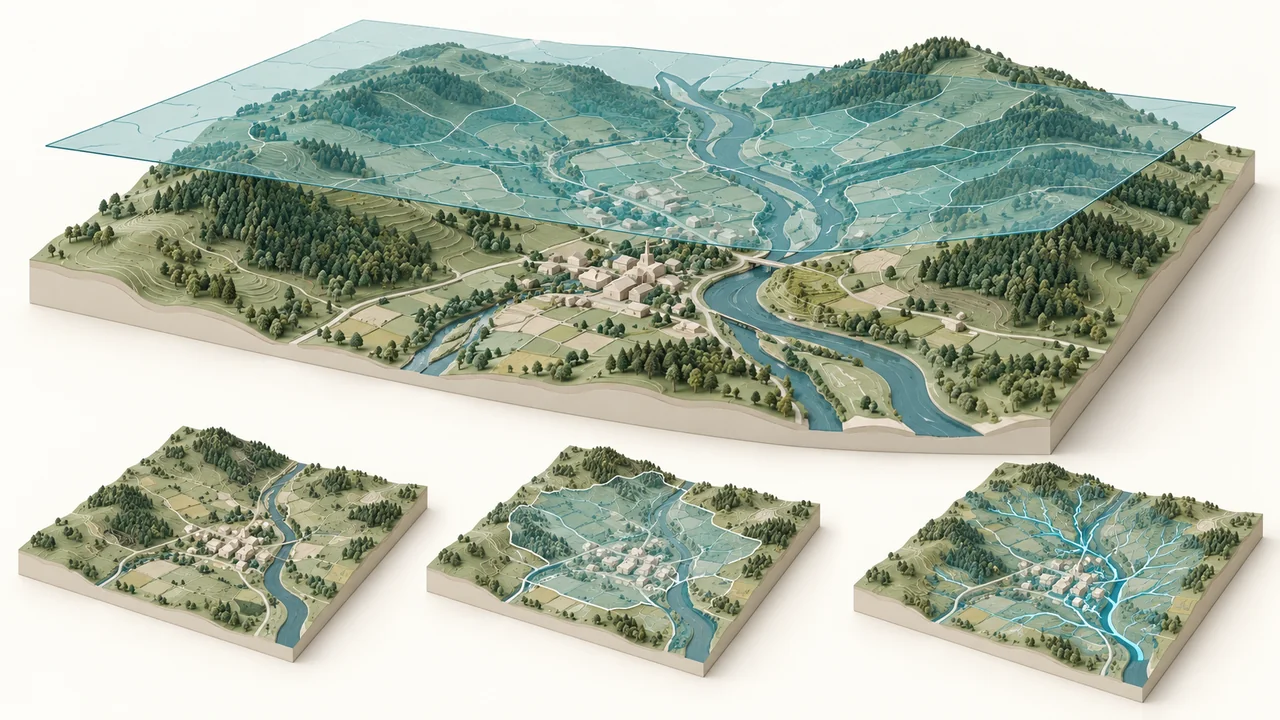
GriidAi is an AI-guided geospatial workflow environment for organizations that want to make spatial analysis more inspectable, consistent and reusable. Teams can bring relevant data into a workspace, ask a spatial question, review the proposed analysis plan, run supported GIS operations, validate maps and analytical outputs, and retain successful methods for repeated use where workflow functionality and organizational controls support it.
The Enterprise offering should be described around governed evaluation, workflow standardization and organizational deployment needs. Specific claims about SSO, RBAC, audit logs, private networking, data residency, on-premises deployment, APIs, integrations, SLAs or certifications should appear only when current product and security documentation verifies them.
Similar spatial questions trigger repeated data preparation, analysis setup and output production.
Standardize repeatable analytical patterns where the method is proven.
Critical GIS, data, programming, domain and validation knowledge sits across a small number of specialists.
Use AI orchestration to assist execution while experts retain control.
Methods, assumptions and validation rules remain trapped in project files or individual memory.
Make the method and review logic more visible and reusable.
Decision-makers wait for technical work to be translated into understandable spatial evidence.
Connect the question, method, map and output in one workflow.
For enterprise spatial work, speed is not enough. GriidAi should make the proposed method visible before supported processing runs. Users can review the selected inputs, analytical approach, validation strategy and expected output, then decide whether the plan is appropriate for the question. After execution, the responsible expert validates the result and determines whether it is ready to use, requires adjustment, or should be rerun.
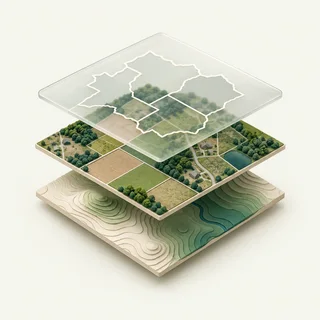 Inputs
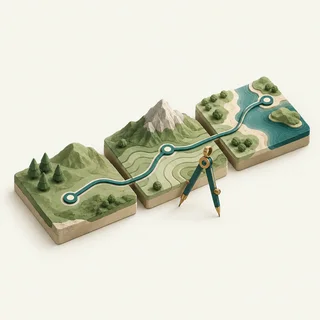 Method
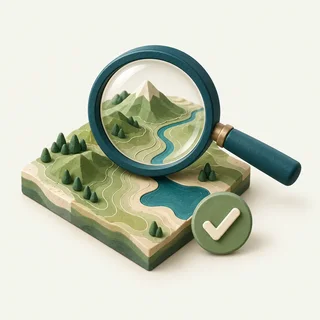 Validation
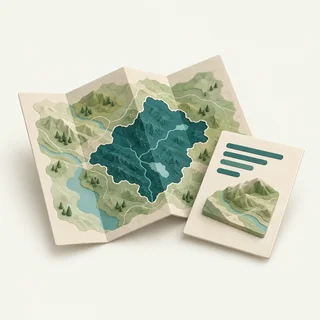 Output
The enterprise value of a successful geospatial workflow is not only the immediate result. It is the ability to retain the data choices, analytical logic, assumptions and validation pattern so similar future questions do not start from zero. GriidAi should position reusable workflows as the direction of the platform while carefully reflecting the current maturity of workflow visualization, saving and reuse functionality.
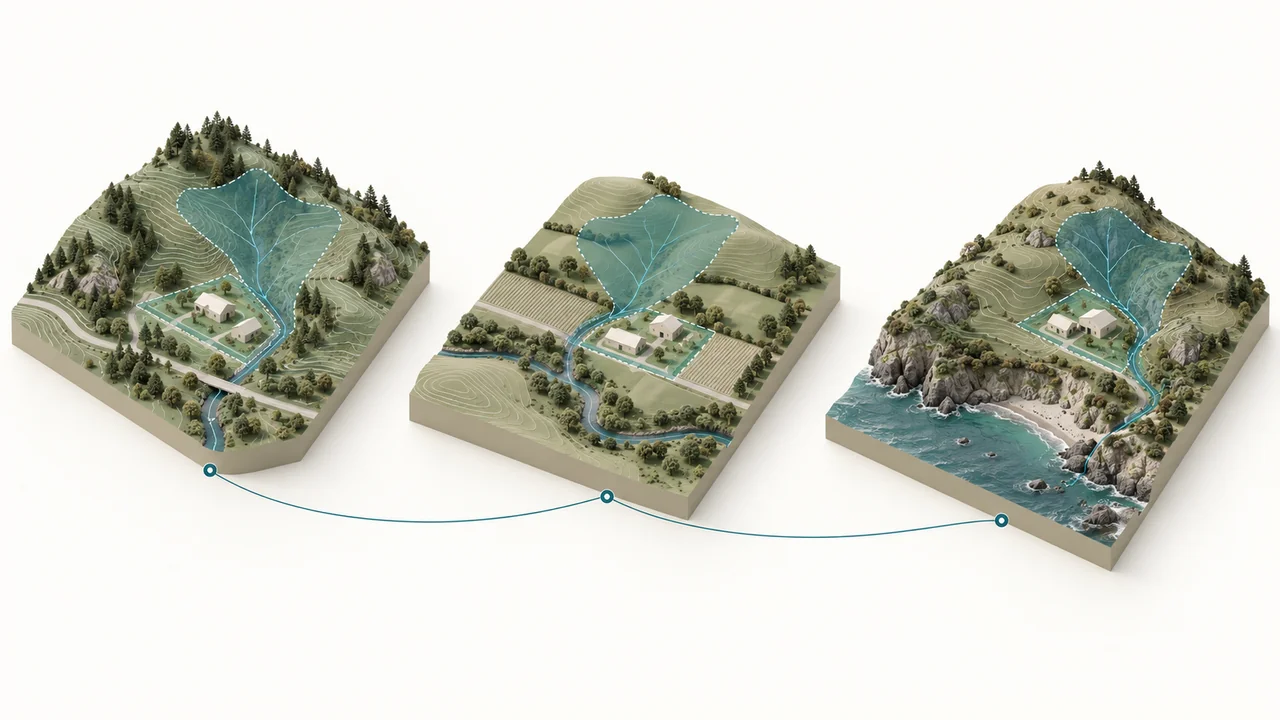
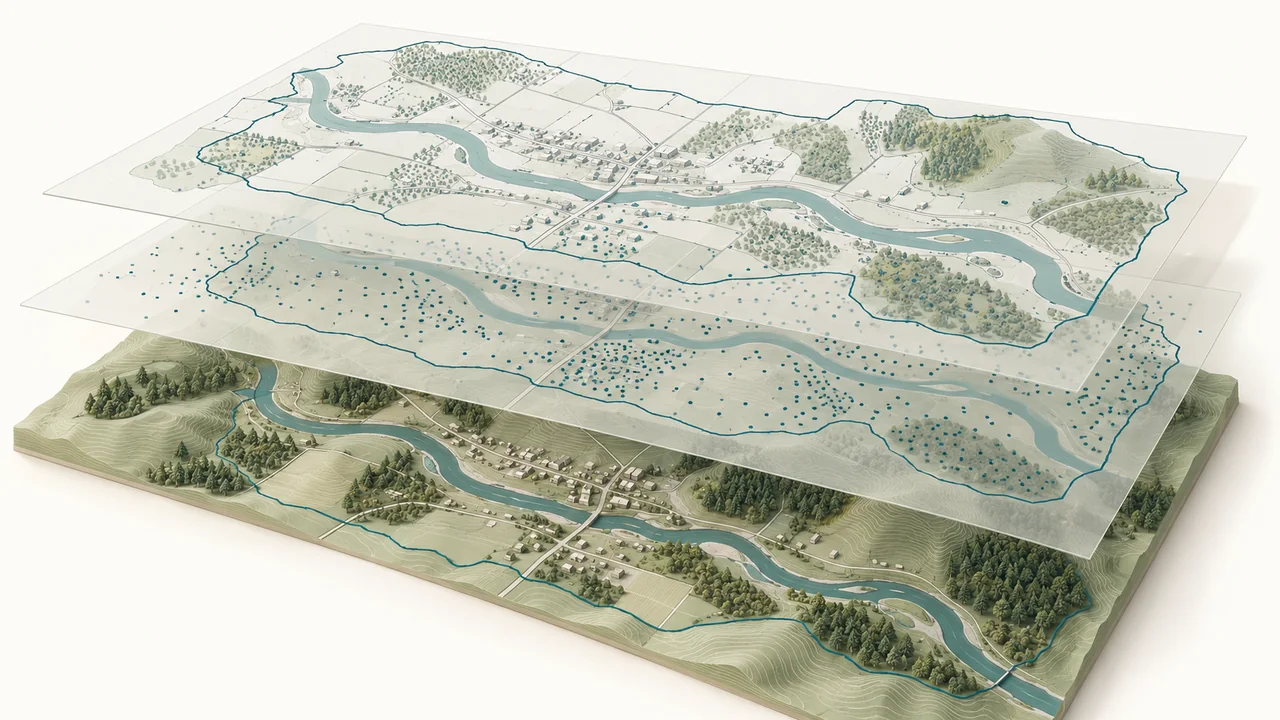
GriidAi supports session-based work with uploaded vector, raster and tabular data, map layers, AOIs, attributes and metadata. The workspace can keep track of the layers available in the current session so the next prompt can reference actual data objects rather than relying only on typed filenames or memory.
| Integration area | Status |
|---|---|
| Uploaded files / session data | Current |
| Public / connected geospatial sources | By approved source |
| Google Drive import | Needs confirmation |
| PostGIS / PostgreSQL | Planned |
| Oracle Spatial | Planned |
| MySQL spatial | Planned |
| REST / product APIs | Needs confirmation |
| Enterprise connectors / integrations | Discuss requirements |
Talk to us about your governance, deployment and integration requirements.
Discuss Enterprise RequirementsFor enterprise deployments, security, access, data handling, deployment and governance requirements should be reviewed as part of the qualification process. The website should publish only controls and deployment options that are documented, current and approved for external use.
Talk to Sales about your security, deployment and governance requirements.
Enterprise value can be described around standardized methods, shared outputs and organizational reuse goals.
Sessions and data context can support structured analytical work by individual users.
Existing sharing behavior should be described only where the current product demonstrably supports it.
PlannedThe product demo described richer team cooperation - including sharing sessions/chats and working together - as a next-release capability.
Can teams standardize repeated environmental, site or project-screening analysis?
Explore AEC & Environmental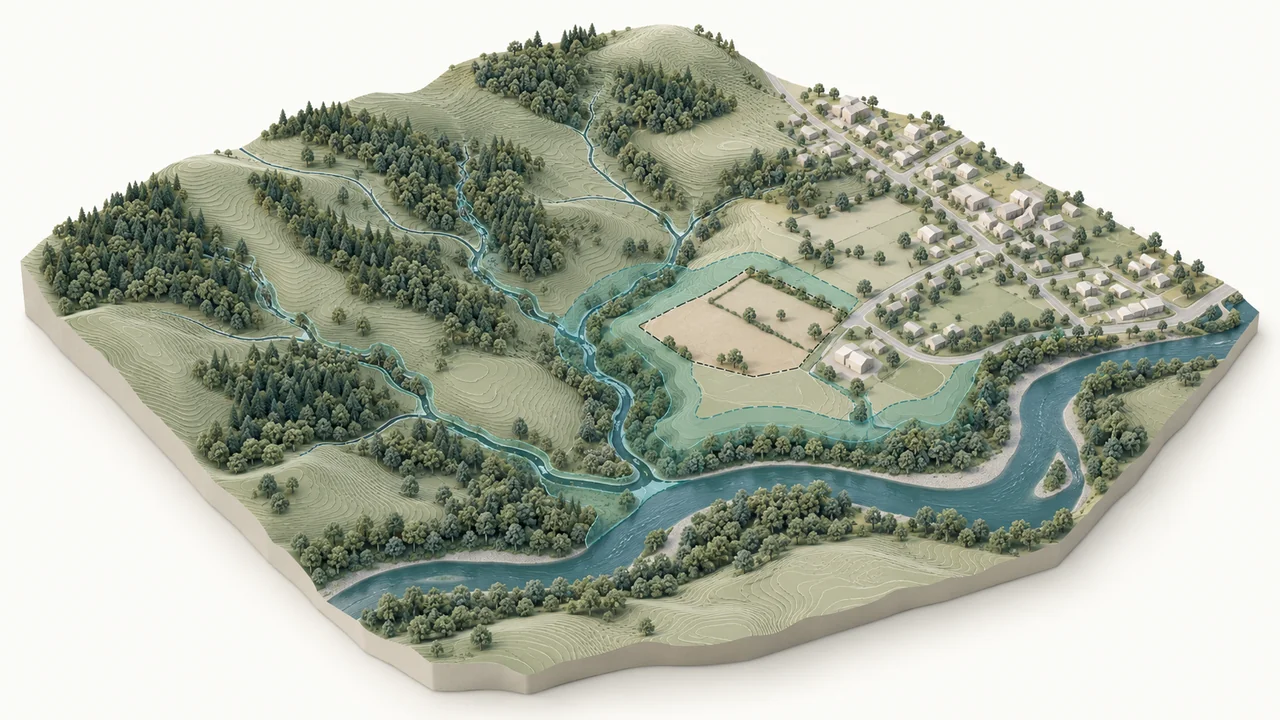
Which assets or locations require deeper review under sea-level, storm-surge or flood scenarios?
Explore Climate Resilience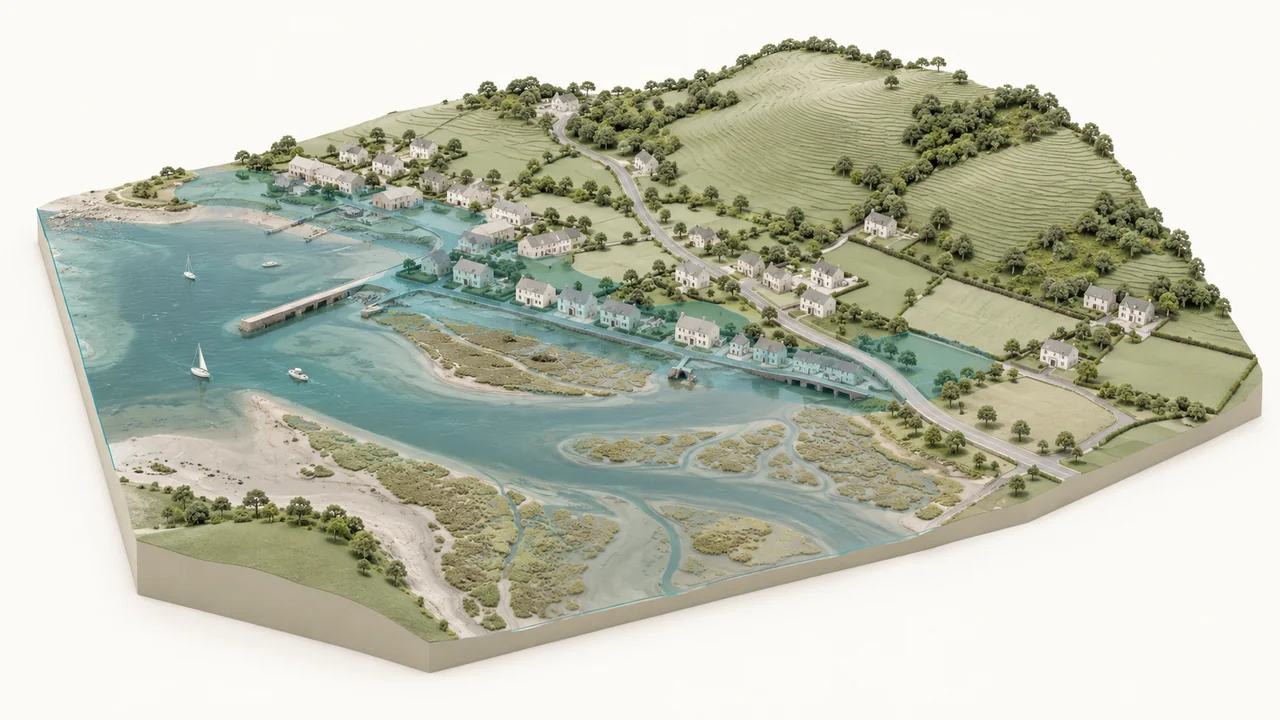
How do assets relate to proximity, terrain, hydrology, access and hazard context?
Explore Utilities & Infrastructure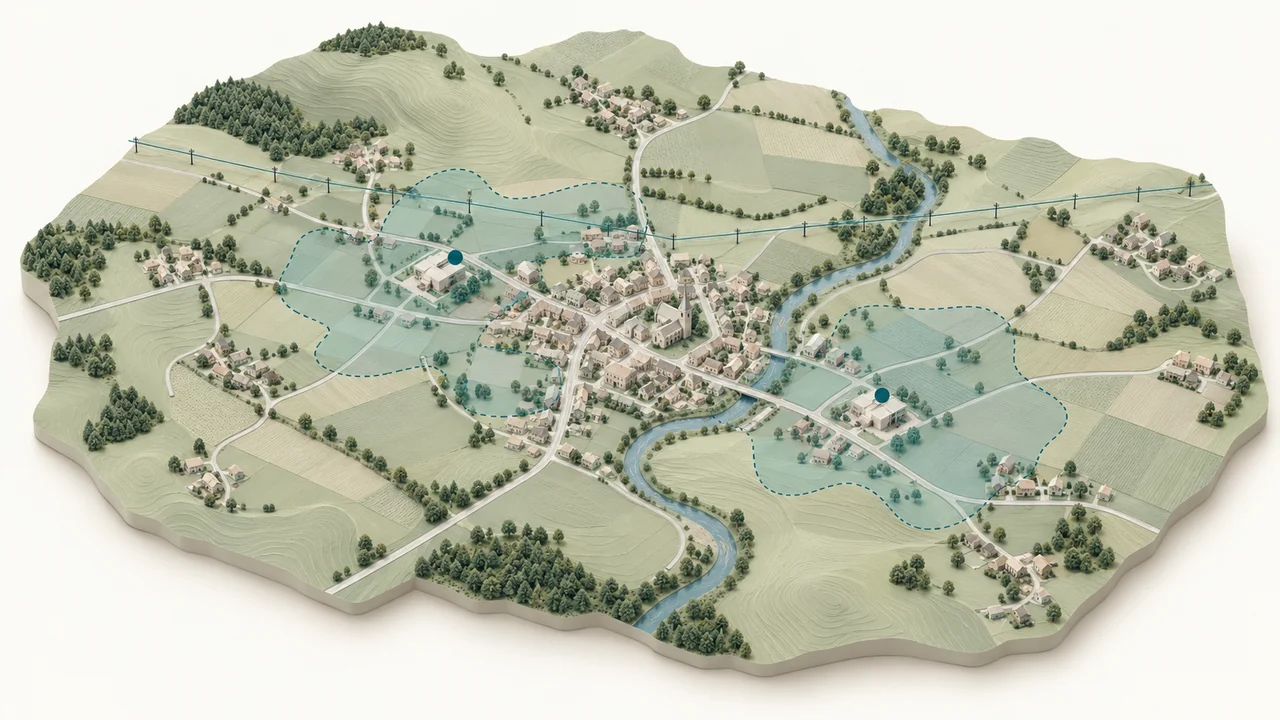
Can candidate sites or a portfolio be compared using the same reviewed spatial method?
Explore Location Intelligence